

Customer relationships are essential to sustainable business growth. Sales teams need reliable information to manage leads, follow up with prospects, and maintain customer relationships. Accounting teams need accurate records to prepare invoices, record payments, and track outstanding balances.
When customer relationship management software and accounting applications operate separately, employees may need to enter the same information multiple times. This can create duplicate customer records, delayed updates, and unnecessary communication between departments.
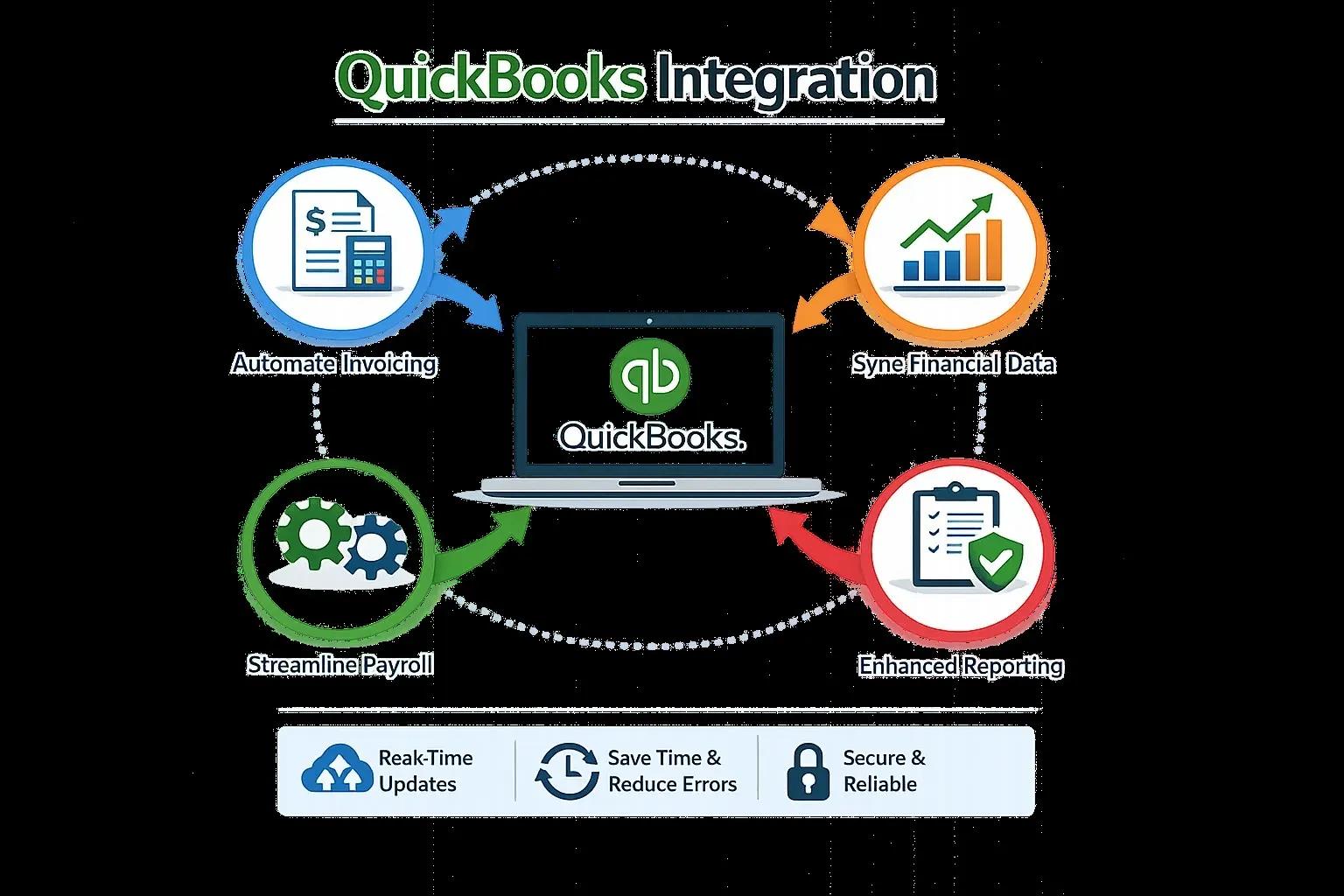
QuickBooks Integration with CRM software helps businesses connect customer management and accounting workflows. By synchronizing supported information between applications, organizations can improve coordination, reduce repetitive administrative work, and maintain more consistent customer records.
What Is CRM and QuickBooks Integration?
Customer relationship management software, commonly known as CRM, helps businesses organize customer information, sales opportunities, communication histories, and follow-up activities.
QuickBooks manages accounting activities such as invoicing, transaction recording, payment tracking, and financial reporting.
QuickBooks Integration connects these systems so that selected customer and financial information can move between them. Depending on the CRM platform and connector, supported workflows may include customer synchronization, invoice creation, payment status updates, and the transfer of approved sales information.
For example, when a sales representative converts an opportunity into a confirmed order, an integration may transfer the relevant customer details into QuickBooks to support invoicing.
The specific features depend on software compatibility and configuration. Businesses should confirm which records synchronize and whether updates occur automatically or require approval.
Reduce Duplicate Customer Records
Duplicate customer records can cause confusion across sales and accounting departments. An employee might create a new customer profile even though the same customer already exists in another application.
Over time, duplicate records can make it difficult to identify the correct contact details, review payment history, and prepare accurate reports.
QuickBooks Integration can reduce this problem by synchronizing customer information and establishing consistent record-matching rules.
Businesses should decide which fields identify a customer, how duplicate records are handled, and which application controls specific information. Email addresses, customer identifiers, and other appropriate fields may help with matching, depending on the systems involved.
These rules should be tested before synchronization is enabled across all customer records.
Improve Coordination Between Sales and Accounting
Sales representatives often need to know whether invoices have been issued, whether payments are outstanding, and whether customer account information has changed.
When information is available only to the accounting team, sales employees may need to request updates through email or internal messaging.
An appropriately configured QuickBooks Integration can make selected financial information available to authorized users in connected systems. This can improve communication and help employees respond to customer questions more efficiently.
For example, a sales representative may be able to check an approved invoice status before following up with a customer. Access should be limited to information needed for the employee's role.
Streamline Invoice Creation
Creating invoices is a routine task for many service businesses, wholesalers, and professional firms. When sales information is recorded in a CRM system, transferring it into accounting software manually can slow down the billing process.
QuickBooks Integration can help transfer supported customer, product, pricing, and transaction details into an invoicing workflow.
This reduces repetitive entry and can help businesses issue invoices more consistently. However, invoice automation should include appropriate approval steps, particularly when discounts, special pricing, taxes, or contractual terms require review.
Before implementation, businesses should verify that customer details, payment terms, item descriptions, and account mappings are transferred correctly.
Support Better Customer Service
Customers appreciate timely answers about invoices, payments, and account details. When employees must search through multiple systems to find information, responses may be delayed.
Connecting CRM and accounting applications can help authorized employees access relevant information through a more organized workflow.
QuickBooks Integration may support better service by reducing information gaps between departments. For example, employees can coordinate customer follow-ups using current contact information and approved invoice details.
Businesses should maintain appropriate privacy controls and avoid exposing confidential financial records to employees who do not need access.
Improve Sales and Financial Reporting
CRM systems often contain information about leads, opportunities, and sales activities, while accounting software records completed financial transactions.
Combining these workflows can help businesses understand how sales activities relate to invoicing and revenue collection.
QuickBooks Integration can support more consistent information exchange, making it easier to review customer activity alongside accounting records. Businesses may be able to improve reporting on approved sales, invoice status, customer balances, and other relevant indicators.
However, a sales opportunity should not automatically be treated as recognized revenue. Reporting processes should distinguish between prospective sales, confirmed orders, issued invoices, and completed payments.
Common CRM Integration Challenges
Although integration offers important benefits, implementation requires careful planning.
Common challenges include duplicate customers, inconsistent field formats, incorrect invoice mappings, conflicting updates, and insufficient access controls.
Businesses can reduce these risks by documenting workflows before implementation. They should identify which application is the primary source for each field, define synchronization rules, and test important scenarios.
It is also helpful to establish a process for reviewing failed synchronization attempts and correcting inaccurate records.
How to Choose a QuickBooks Integration Solution
Start by identifying the CRM platform and QuickBooks version used by your business. Confirm whether a native connector is available and whether it supports the necessary customer and invoice workflows.
Evaluate data synchronization options, security controls, reporting requirements, and ongoing support. If a standard connector cannot accommodate your workflow, a customized integration may be worth evaluating.
Test the connection with a small set of records before transferring larger amounts of customer information.
QuickBooks Integration Services From E-Solution
E-Solution provides QuickBooks Integration services designed to help businesses connect accounting software with compatible CRM and other business applications.
Depending on the requirements, integration planning may include customer record synchronization, invoicing workflows, data mapping, and testing. Businesses should explain their existing systems and desired outcomes before selecting an implementation approach.
Professional guidance can help organizations identify technical limitations, define reliable workflows, and maintain consistent accounting information.
Conclusion
CRM and accounting applications serve different but closely connected business functions. When these systems remain disconnected, employees may spend unnecessary time updating records and locating customer information.
QuickBooks Integration helps connect customer management with accounting processes, improve communication between departments, and reduce repetitive administrative tasks.
With accurate data mapping, appropriate permissions, and regular monitoring, businesses can create a more organized workflow that supports customer service and financial management.
Companies considering CRM integration should review their current processes and select a solution that matches their software environment, customer management needs, and accounting requirements.